
How to Check What Keywords Your Website Ranks for in September 2026

By Bennett Cohen
Get Maintouch
Turn search and AI visibility work into a repeatable growth system.
Everyone talks about checking rankings, but most advice stops at pulling a report. You log into Google Search Console, scroll through a list of positions, and then what? Those numbers don't tell you which keywords are worth chasing or which pages are bleeding traffic you could fix in an afternoon.
The top organic result pulls 39.8% of clicks. Second place drops to 18.7% (Keyword.com SEO statistics).
That's not a marginal difference. It's the gap between a keyword funding your operation and one you barely notice.
I'll walk you through how to check what keywords your website ranks for using Google Search Console and paid tools, how to read average position against real-time snapshots, and which ranking changes actually deserve your attention.
TLDR:
- Position 1 pulls 39.8% CTR while position 2 drops to 18.7%, so one spot equals double the traffic.
- Google Search Console shows free average position data; paid tools like Ahrefs give real-time snapshots.
- Target keywords in positions 5-20 with real impressions for quick wins that move with the least work.
- GSC averages position over time; a keyword at position 7 moving to position 3 jumps from 3% to 18% CTR.
- Maintouch reads GSC data, stack ranks fixes by impact, then deploys content updates through background agents.
Why Tracking Keyword Rankings Matters in 2026
Ranking position is one of the biggest financial levers you have in search. The top organic result pulls a 39.8% CTR vs. 18.7% at position two. Same page, double the traffic.
That gap is the difference between a keyword paying your bills and one you barely notice.
If you don't know where you actually rank, you're guessing at your own revenue.
This matters more in 2026 because organic search still drives the majority of website traffic, and AI answers now pull from those same rankings. Where you sit on Google feeds where you show up in ChatGPT and Perplexity too.
Tracking rankings tells you which pages are working, which are slipping, and which sit one position away from real money.
What Is Keyword Ranking (And What It Tells You About Your SEO Performance)
Keyword ranking is where your page shows up in search results for a specific query. Type "seo rank checker" into Google, and the page in spot one ranks first. Your site can rank for thousands of queries at once, each at a different position.
Search engines set that position by weighing relevance, content quality, backlinks, page speed, mobile-friendliness, and 200+ other signals.
Position moves constantly.
Three terms get mixed up all the time:
- Impressions: how many times your page appeared in search results, whether or not anyone looked.
- Ranking: the average position your page held for a query.
- Clicks: how many people actually came to your site from that result.
Read together, they tell you your SEO health. High impressions with low ranking means Google sees you as relevant but ranks you below the fold. High ranking with weak clicks points to a flat title or description.
The numbers show you where the leak is.
How to Check Keyword Rankings Using Google Search Console (Free Method)
Google Search Console is the place to start if you want to see where you rank without paying for anything. It pulls straight from Google, so the numbers are as real as it gets.
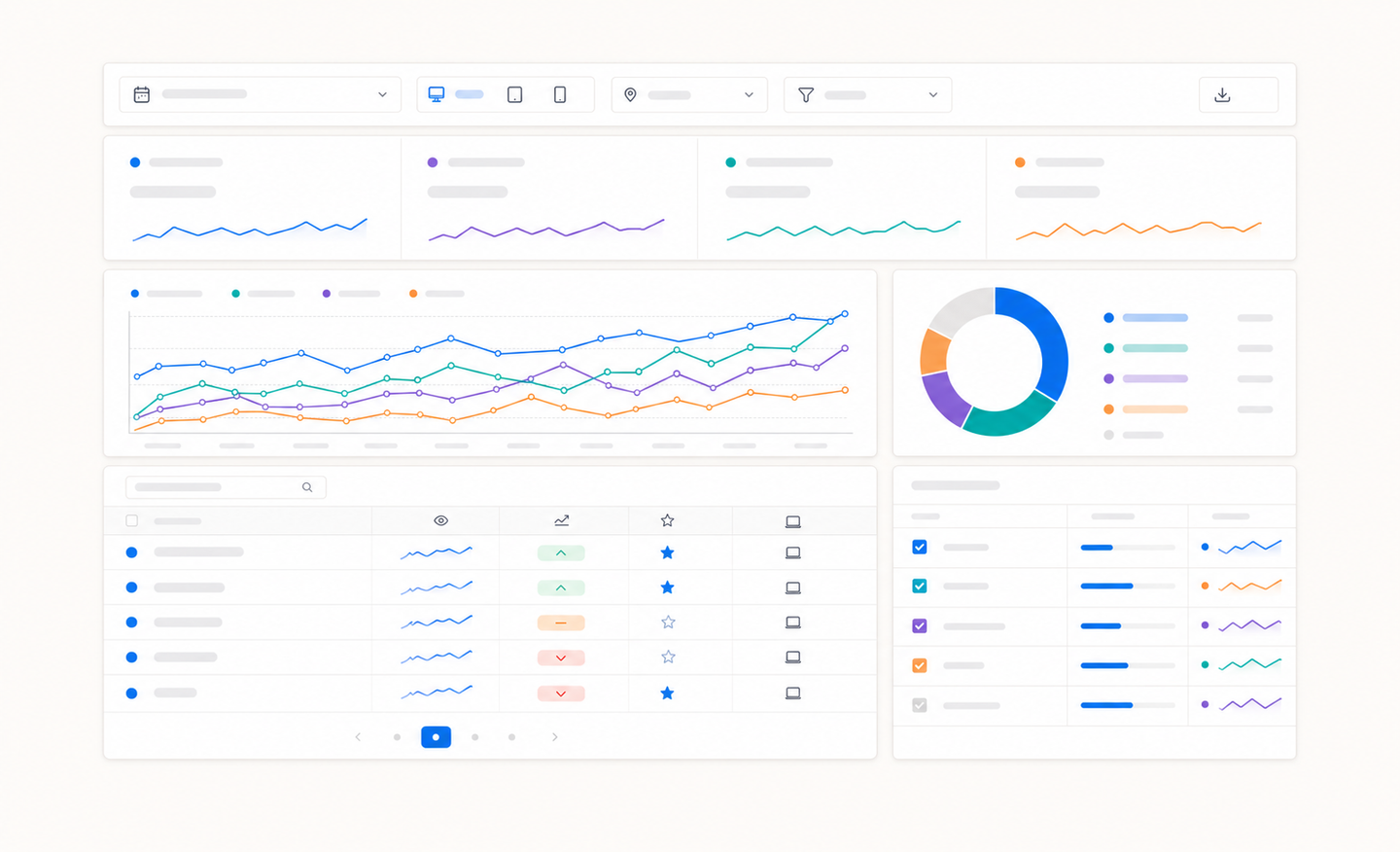
The exact process:
- Open GSC and pick your property.
- Click Performance in the left sidebar, then Search results.
- Turn on the Average Position metric at the top.
- Scroll down and select the Queries tab.
Now you've got every search term your site appeared for, with its average position next to it.
The filters are where it gets useful.
Across the top you can slice by:
- Page: see which queries a single URL ranks for.
- Device: split mobile from desktop, since rankings differ.
- Country: isolate the market you actually sell to.
- Date range: compare the last 28 days against the prior period.
Stack a page filter with a date filter and you'll see which keywords a post gained or lost over the month.
Understanding Average Position vs. Real-Time Rankings
Open two tools side by side and you'll see different numbers for the same keyword because they measure different things.
Average Position is a mean, averaged across every impression over your date range. Rank 3rd on Monday and 9th on Friday, and GSC blends both into one figure. It's history, smoothed out.
Snapshot tools like Ahrefs or Semrush work differently. They check a keyword at a specific moment from a set location, giving you today's real-time spot.
When to trust each:
- Average Position: spotting trends over weeks, gauging overall health.
- Snapshot rank: knowing exactly where you sit right now, in a target city.
Use GSC for direction. Use a snapshot tool for the precise read.
Using Paid Keyword Rank Checker Tools for Advanced Tracking
Free tools tell you where you stand. Paid tools tell you why, and what your competitors are doing about it.
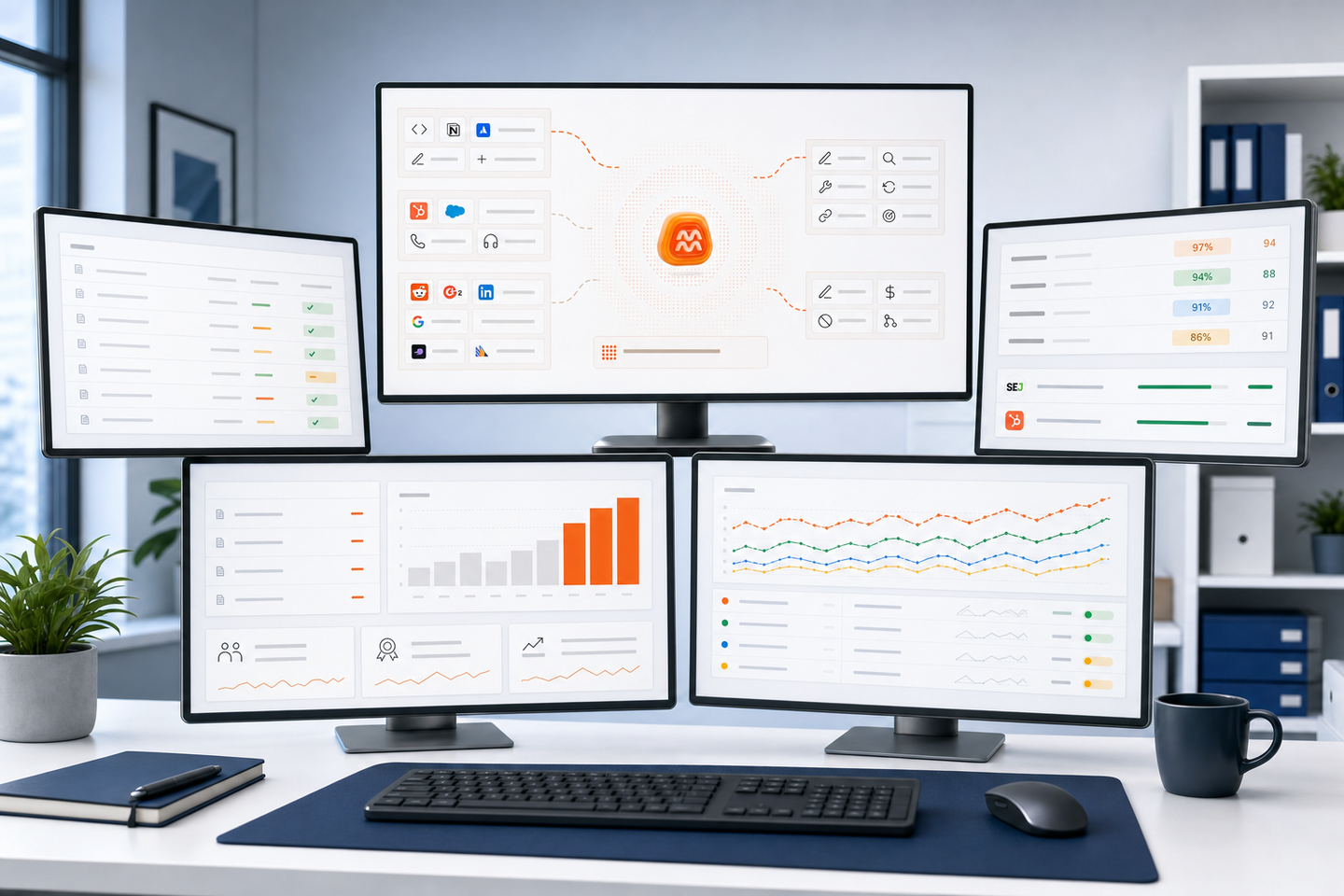
When picking a rank checker, look for features GSC won't give you:
- Competitor tracking: see who's outranking you for the same keyword.
- Historical data past 16 months: GSC caps you; paid tools keep years.
- Live rank tracking: position checks on demand, not smoothed averages.
- Bulk keyword monitoring: track thousands of terms at once.
- Granular location targeting: rank down to a specific city or zip.
Pick based on which gap actually slows you down.
| Tool | Pricing | Data Type | Best Use Case |
|---|---|---|---|
| Google Search Console | Free | Average position blended across all impressions over your date range | Spotting trends over weeks and gauging overall ranking health without cost |
| Ahrefs | Paid subscription required | Real-time snapshot rank at a specific moment from a set location | Knowing exactly where you sit right now in a target market with precise reads |
| Semrush | Paid subscription required | Real-time snapshot rank at a specific moment from a set location | Getting the exact position you hold right now in a target market with live tracking |
| Maintouch | Paid subscription required | Reads GSC data and stack ranks fixes by impact | Automating keyword tracking and turning rankings into action through background agents |
Finding Keywords You Didn't Know You Ranked For
Most of your site already ranks for queries you never targeted.
GSC surfaces them.
In the Queries tab, sort by impressions and scan positions 8 through 20. These are pages Google already trusts but ranks just off page one. A tighter title or a few added paragraphs can pull them up fast.
Watch for clusters too. If one post ranks for five related questions, that's a content gap begging for its own dedicated page.
Identifying Quick-Win Ranking Opportunities
Not every ranking is worth chasing.
Filter for queries sitting in positions 5 through 20 with real impressions behind them. Those move with the least work.
Run the math before you commit. A keyword at position 7 with 4,000 monthly impressions might pull roughly a 3% click rate. Push it to position 3, and that jumps to roughly 18%.
Same query, six times the clicks.
Focus on that gap, not volume alone. And watch for two of your own pages ranking for one term, which splits authority and caps both. Merge them.
Tracking Keyword Rankings Over Time to Measure SEO Progress
A single check is a snapshot. Progress shows up in the trend line.
Pick a cadence: weekly for active campaigns, monthly for steady sites. Log average position the same day each period so comparisons stay clean.
When a position jumps, note what you shipped that week. A new section, a few backlinks, a fixed title.
If everything moved at once with no change on your end, suspect an algorithm update. Watch for seasonal dips so you don't panic over a pattern that repeats every year.
What to Do When Keyword Rankings Change
Rankings move every day.
Know which drops to ignore and which to fix.
Read the pattern first:
- One keyword dropped: a competitor refreshed their page or Google reweighted intent. Check the current top result for what it covers that you don't.
- Many keywords dropped at once: that points to something structural. A botched deploy, a stray noindex tag, a broken redirect, or an algorithm update. Maintouch identifies technical SEO issues automatically.
- Rankings vary by location: just geo-personalization. Check the position from your target market before reacting.
A single keyword bouncing two or three spots over a few days is normal volatility.
Wait.
If it's still down after a week, pull the page in GSC, compare impressions and clicks against the prior month, and confirm it's indexed. For a single-keyword slide, the fix is almost always matching search intent, then requesting a recrawl.
How to fix each pattern
- One keyword dropped: open the current top result, list the subtopics and questions it answers that yours doesn't, add those sections to your page, then request a recrawl in GSC.
- Many keywords dropped at once: check the Pages and Coverage reports in GSC for indexing errors, run a crawl to catch stray noindex tags or broken redirects, then roll back the most recent deploy if the drop lines up with it. If nothing broke on your end, sit tight for two weeks and watch for an algorithm update confirmation.
- Rankings vary by location: rerun the check from your target market using an incognito session or a rank tracker pinned to that city, confirm the SERP layout matches what your buyers see, and only act if the gap holds across multiple locations.
How Maintouch Automates Keyword Tracking and Turns Rankings Into Action
Everything above is manual. You pull the data, read the patterns, decide what to fix, then go do it.
That loop is exactly what we built Maintouch to close.
Maintouch reads your keyword performance straight from Google Search Console, then finds the specific moves worth making: content gaps, technical issues, and pages sitting in striking distance. The product shows you what to fix in priority order, so you're not staring at a list wondering where to start.
When a page that's been live past 90 days starts losing impressions, the system flags it and suggests exact additions through the General Agent. You review, approve, and publish the updates.
Rankings turn into action, not another dashboard you'll mean to check.
Final Thoughts on Tracking SEO Rankings
A rank checker tells you where you sit. The real work is knowing which drops to fix and which ones to ignore.
Track positions weekly, watch for patterns, and focus on pages that are one move away from real traffic.
Maintouch reads your rankings, finds the exact fixes, and shows you what to update so you're not stuck in a spreadsheet.
FAQ
Best free rank checker to start with?
Google Search Console. It pulls position data directly from Google and shows every query your site ranks for. For competitor comparisons or historical data past 16 months, you'll need a paid tool like Ahrefs or Semrush.
Can I check what keywords my website ranks for without paying for tools?
Yes. Google Search Console shows every keyword your site ranks for, along with average position, impressions, and clicks. Open Performance, turn on Average Position, and filter by Queries. The data is real-time from Google and completely free. Note that GSC only retains data within its rolling 16-month window.
How do I check keyword ranking in Semrush vs Google Search Console?
Semrush gives you a snapshot rank at a specific moment from a set location, while Search Console shows average position blended across all impressions over your date range. Use Search Console for spotting trends over weeks and Semrush for the exact position you hold right now in a target market.
What's the fastest way to find ranking opportunities I'm missing?
Filter Google Search Console for queries in positions 5-20 with real impressions behind them. These are pages Google already trusts but ranks just off page one, so they move with the least work. A tighter title or a few added sections can pull them up fast.
Should I track keyword rankings daily or weekly?
Weekly for active campaigns, monthly for steady sites. Pick a cadence and log average position the same day each period so comparisons stay clean.
Single-keyword bounces of two or three spots over a few days are normal volatility, so wait a week before reacting.
How accurate is Google Search Console for tracking rankings?
GSC is as accurate as it gets because it pulls directly from Google's systems. The catch is it shows average position blended across all impressions, not a single snapshot. If you rank 3rd on Monday and 9th on Friday, GSC averages both. Use it for spotting trends over weeks, not for knowing your exact position at a specific moment.
Why do my rankings look different in Ahrefs than in Google Search Console?
Ahrefs checks your rank at a specific moment from a set location, while GSC averages position across every impression over your date range. They measure different things. Rankings also vary by location, device, and personalization, so a snapshot tool checking from one city will differ from GSC's blended global view.
What's a good average position in Google Search Console?
Position 1-3 is where real traffic lives. Position 1 pulls 39.8% CTR while position 2 drops to 18.7%, and position 3 sits near 10%. Anything past position 10 is off page one and pulling under 1% CTR. Focus on moving keywords from positions 5-20 up to the top three spots where the money actually is.
Can I track rankings for YouTube videos the same way I track website keywords?
YouTube rankings work differently than web search. You can check video ranking by views and engagement in YouTube Studio, but there's no direct equivalent to GSC for YouTube.
Some tools track video positions in Google search results when videos appear in SERPs, but that's measuring web search visibility, not YouTube's internal ranking.
How many keywords should I be tracking?
Track every keyword you rank for in GSC, then narrow focus to the ones with real impressions and positions you can move. Most sites rank for thousands of queries, but maybe 50-200 drive meaningful traffic. Filter for queries with 100+ monthly impressions in positions 1-20, then focus on those first.
What does it mean when impressions are high but clicks are low?
High impressions with low clicks means you're ranking below the fold or your title and description aren't compelling enough to pull the click. Check your average position first. If you're in spots 8-15, you're visible but buried. If you're in spots 1-5 with weak clicks, rewrite your title tag to match search intent better.
How long does it take for ranking changes to show up after I update content?
Google needs to recrawl and reindex the page first, which typically takes a few days to two weeks depending on your site's crawl budget. After that, ranking changes can happen within days or stretch over weeks as Google reweights the page against competitors. Request a recrawl in GSC after major updates to speed it up.
Is it normal for rankings to fluctuate every day?
Yes. Rankings bounce two or three spots daily as Google tests results and competitors update their pages. That's normal volatility, not something to fix. Wait a week before reacting. If a keyword drops five or more positions and stays there past seven days, then it's time to investigate what changed.
Turn search into your best growth channel.
Maintouch tracks your visibility across AI and Google, creates and refreshes content, and gets your brand mentioned on the sites that shape discovery.
Book a demoRelated reading
All posts