
Meta Keywords for SEO: Why You Should Avoid Them in September 2026

By Bennett Cohen
Get Maintouch
Turn search and AI visibility work into a repeatable growth system.
You fill the meta keywords tag with your target terms. Google stopped reading it in 2009. Your competitors can see every term you're targeting by opening your source code. And Bing might flag it as spam.
The tag was built for primitive search engines that couldn't read context. The second site owners figured out they could stuff it with junk, they did. Now it's a dead signal that wastes your time and exposes your strategy.
I'll show you which search engines still read meta keywords and why you should ignore them anyway, the difference between this dead tag and the metadata that actually matters, and how to strip it from your site so you can focus on the four tags that shape your rankings.
TLDR:
- Google stopped using meta keywords in 2009 after site owners stuffed the tag with spam.
- Focus your time on title tags, meta descriptions, robots directives, and canonical tags instead.
- The keywords tag exposes your strategy to competitors who can view your source code.
- Maintouch audits your site for missing metadata and generates optimized tags across WordPress, Webflow, Framer, and Sanity.
What Are Meta Keywords in SEO
The meta keywords tag is a snippet of HTML that lives inside the head of a webpage. You fill it with a comma-separated list of words you want to rank for, and early search engines read that list as a hint about what the page was about.
Here's what it looked like in the code:
It sits next to the title and meta description, invisible to anyone reading the page in a browser. Only crawlers see it.
Back in the late 1990s, search engines were primitive. They couldn't read context the way they do now, so the tag gave site owners a direct way to tell engines like AltaVista and Infoseek which queries the page should answer.
You declared your keywords, the engine trusted you, and that trust is exactly where things went sideways.
The Rise and Fall of Meta Keywords
Site owners caught on fast. If the engine trusted whatever you typed, you could type anything.
So people did.

They crammed the tag with hundreds of terms that had nothing to do with the page. Competitor brand names. Popular searches. Misspellings of those searches.
The whole thing turned into a dumping ground, and results filled with junk pages ranking for queries they had no business answering, a pattern documented in early accounts of keyword stuffing and the broader history of spamdexing tactics.
That abuse poisoned the signal. By the time crawlers parsed a keywords tag, they couldn't tell legitimate declarations from spam.
Google made it official in September 2009. Matt Cutts confirmed the company had stopped using the meta keywords tag as a ranking factor.
The tag promised an easy shortcut, and that promise is what broke it.
Which Search Engines Still Use Meta Keywords
Worth knowing where this tag stands today before you decide whether it matters for your site.
Google, Bing, and Yahoo all ignore it. That covers the overwhelming majority of search traffic you'd care about as a B2B company.
The picture changes at the edges. Yandex and Baidu, the dominant engines in Russia and China, still read the tag in some capacity. DuckDuckGo may parse it too.
| Search engine | Uses meta keywords? |
|---|---|
| No | |
| Bing | No |
| Yahoo | No |
| Yandex | Possibly, minimal |
| Baidu | Possibly, minimal |
| DuckDuckGo | Unclear |
If you're chasing traffic in Russia or China, the tag might earn a sliver of relevance.
For everyone else, it's a dead signal pointed at engines you don't market to.
Why You Should Avoid Meta Keywords in 2026
The case against the tag comes down to four problems, none of them worth the few minutes it takes to add.
- It wastes time. Every minute spent curating a keyword list is a minute not spent on content, internal links, or page speed, which are the things that actually move rankings.
- Bing has flagged it as spam. Bing has publicly said stuffing the keywords tag is a signal of a low-quality page, so the tag does nothing for you and can drag you down.
- It hands your strategy to competitors. Anyone can open your source code and read exactly which terms you're chasing.
- It dates you. A keywords tag tells any technical reviewer your SEO knowledge stopped updating around 2009.
Skip it. There's no upside left to recover.
The Difference Between Meta Keywords and Other Meta Tags
The mistake I see most often: someone learns meta keywords are dead, then assumes every tag in the head section is dead too.
That logic doesn't hold.
Meta keywords sit in a category of one. They're the only common meta tag Google fully ignores.
The rest still pull weight:
- Title tags tell Google and users what the page is about, and they show up as the clickable headline in results.
- Meta descriptions don't affect rankings directly, but they influence whether someone clicks once they see your result.
- Robots tags control whether a page gets indexed and whether links on it get followed.
- Canonical tags point Google to the preferred version of a page, which kills duplicate content problems.
Dropping meta keywords doesn't mean dropping metadata. It means dropping the one piece that stopped mattering.
Meta Tags That Actually Matter for SEO
Now that you know which tags Google ignores, put your time into the four that move the needle.
The title tag earns top billing. Google treats it as a primary signal for understanding a page, and it's the most visible line in any snippet, so it shapes both rankings and clicks.
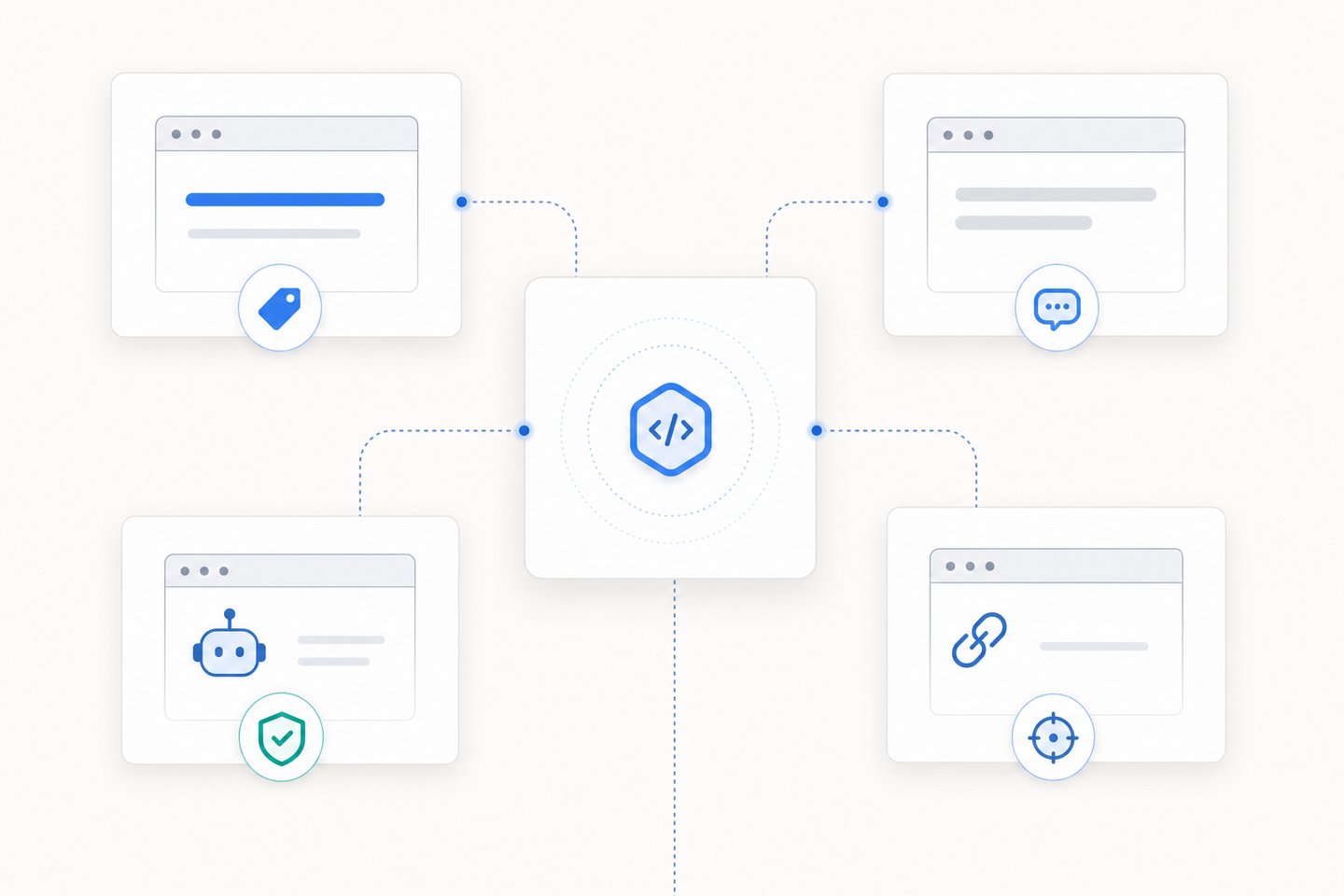
Where to spend your effort:
- Title tag: write a unique one per page, lead with the primary keyword, and keep it under roughly 60 characters so it doesn't truncate at typical desktop SERP widths (per Google's title link documentation).
- Meta description: treat it as ad copy for the click, around 150 to 160 characters at current desktop SERP widths (see Google's snippet documentation), with the keyword and a reason to choose your result.
- Robots directives: confirm important pages aren't set to noindex, and noindex the thin ones you don't want ranking.
- Canonical tags: point duplicate or near-duplicate URLs at the version you want indexed.
Get these four right and the keywords tag never crosses your mind again.
How to Remove Meta Keywords From Your Website
Start with a crawl. Run your site through any auditing tool and search the source for name="keywords". That tells you which pages still carry the tag.
Then strip it out:
- WordPress: check Yoast or Rank Math settings, or your theme header, and delete the keywords field.
- Webflow, Framer, Squarespace: open the page's custom head code and remove the meta keywords line.
- Custom sites: pull it from your header template so every page drops it at once.
There's no penalty for leaving it, but no reason to keep dead code that exposes your targeting. Clean it once and move on.
How Maintouch Automates Meta Tag Optimization
Cleaning up dead tags is the easy part. Keeping the live ones right across hundreds of pages is where teams fall behind.
That's the work I built Maintouch to handle.
Maintouch's technical audits crawl your site and flag missing or weak metadata, broken canonical tags, and pages stuck on noindex by accident.
From there, the General Agent generates title tags and meta descriptions that lead with the right keyword and fit the character limits, then pushes changes live through native CMS integrations with WordPress, Webflow, Framer, and Sanity.
You never touch a meta keywords field, because the system doesn't write to one. Every page follows what works now instead of tactics that died in 2009.
If you're running a site with hundreds of pages and need help keeping your metadata right without manual work, that's what Maintouch does.
Final Thoughts on Meta Keywords for SEO
Meta keywords are a dead signal pointed at search engines nobody markets to. The tag stopped working in 2009, and the only thing it does now is expose your targeting strategy to competitors who know how to open source code.
Clean it out, put your time into title tags and meta descriptions, and move on.
If you're running a site with hundreds of pages and need help keeping your metadata right without manual work, grab 30 minutes and I'll walk you through how Maintouch handles it.
FAQ
Can I build my site without meta keywords and still rank?
Yes. Google, Bing, and Yahoo all ignore the meta keywords tag completely, so removing it has zero impact on your rankings.
Focus your time on title tags, meta descriptions, and canonical tags instead. Those are the signals search engines actually read.
Meta keywords vs meta description: what's the difference?
Meta keywords are a dead HTML tag Google stopped reading in 2009, while meta descriptions still shape click-through rates by appearing as snippet copy in search results. The keywords tag exposed your targeting strategy to competitors and provided no ranking value, but descriptions function as ad copy that influences clicks once your result ranks.
Should I use a meta keywords generator free tool for my site?
Skip it. Meta keywords generators waste time creating lists Google doesn't read, and on Bing they can trip spam filters if you stuff the tag.
Spend that time optimizing your title tags and meta descriptions instead. Those are the tags that actually move traffic.
How do I remove meta keywords from WordPress?
Crawl your site first to find which pages still carry the tag, then delete the keywords field in Yoast or Rank Math settings. If your theme adds the tag through the header template, strip it from the code so every page drops it at once.
What are meta tags in HTML that Google actually uses in 2026?
Google reads title tags (primary ranking signal and snippet headline), meta descriptions (click-through influence), robots tags (indexing and link crawling control), and canonical tags (duplicate content management). The meta keywords tag is the only common meta tag Google fully ignores, so drop it and optimize the four that matter.
Does leaving meta keywords on my site hurt my rankings?
No direct penalty, but it's dead weight that exposes your keyword strategy to anyone who views your source code. Bing might also flag an overstuffed keywords tag as spam, which can drag you down there.
Clean it out once and redirect that time to tags that actually move rankings.
How long should my meta description be in 2026?
Aim for 150 to 160 characters so it doesn't truncate in search results.
Google doesn't use meta descriptions as a ranking factor, but they shape whether someone clicks your result once it ranks. Treat it like ad copy: lead with the keyword and give the reader a reason to choose you over the nine other results on the page.
Can competitors really see my meta keywords?
Yes. Anyone can right-click your page, view source, and read every term you stuffed into the keywords tag. That's the whole problem with keeping it live: you're handing your targeting strategy to every competitor who knows how to open a browser inspector.
What's the difference between a title tag and an H1?
The title tag lives in your HTML head and shows up as the clickable headline in search results. Google treats it as a primary ranking signal.
The H1 is the on-page headline readers see when they land on your site. They should be similar but don't have to match exactly, and both matter for SEO.
Should I hire someone to optimize my meta tags?
Depends on scale.
If you're running ten pages, do it yourself, since title tags and meta descriptions aren't complicated once you know the pattern. If you're managing hundreds of pages across WordPress, Webflow, or another CMS, automating the work makes sense so you're not manually updating metadata every time you publish.
Do meta keywords help with Yandex or Baidu SEO?
Possibly, but the signal is minimal and only matters if you're actively chasing traffic in Russia or China.
For everyone else targeting Google, Bing, or Yahoo, the tag is irrelevant. Don't waste time optimizing for search engines you don't market to.
How often should I update my meta tags?
Update title tags and meta descriptions whenever your targeting changes, your page content updates, or you're refreshing old posts for relevance.
Run a crawl every quarter to catch missing or weak metadata across your site. Robots and canonical tags stay static unless you're restructuring URLs or changing indexing strategy.
Turn search into your best growth channel.
Maintouch tracks your visibility across AI and Google, creates and refreshes content, and gets your brand mentioned on the sites that shape discovery.
Book a demoRelated reading
All posts