
Best CMS (Content Management Systems) for SEO [October 2026 Update]

By Bennett Cohen
Get Maintouch
Turn search and AI visibility work into a repeatable growth system.
I've been doing SEO for over a decade, and Maintouch serves hundreds of marketers, so I've seen this exact problem play out more times than I can count. A team spends weeks debating strategy, writes solid content, and then watches it stall because the CMS underneath is fighting them at every turn. Slow pages. Broken canonicals. Metadata baked into templates no one can touch without a developer ticket. The CMS isn't a footnote. It's the infrastructure everything else runs on. Get it wrong, and every SEO effort downstream inherits the drag.
My goal: you walk away knowing exactly which CMS fits your team's situation and why, so you can stop deliberating and start shipping.
TLDR:
- Your CMS controls how pages get built, how metadata is structured, and how fast everything loads. Fight it on any of these and every downstream SEO effort carries that friction.
- The right CMS balances three things: technical SEO fundamentals out of the box, developer experience for customization, and clean API surfaces for AI tooling. That balance is what this list scores on.
- Sanity is the top headless pick because it's fully decoupled from the frontend, letting you vibe code your presentation layer while structured content flows through a clean API. WordPress is the OG with the deepest plugin ecosystem. Webflow and Framer are best for design-led teams who want to ship fast.
- Headless only pays off if you have engineers (or AI tools) to configure redirects, sitemaps, and schema. No dev resources? Pick a traditional CMS and move on.
- Maintouch connects directly to WordPress, Webflow, Framer (beta), Sanity, Strapi, Contentful, Storyblok, Payload, HubSpot, Ghost, and custom sites via API and MCP, pushing metadata fixes, schema updates, canonical tags, and 301 redirects live without a developer queue.
What Is a CMS and Why It Affects SEO Rankings
A content management system is the software your team uses to create, manage, and publish content without hand-coding every page. WordPress is one. So are Webflow, Sanity, and Contentful. The editor writes, the CMS handles the plumbing, pages go live.
That plumbing is where SEO lives or dies.
Your CMS decides whether crawlers see fully-formed HTML or a blank JavaScript shell. It controls how title tags, meta descriptions, and schema markup get structured, or whether they can be set per page at all. It determines how fast pages load, which Google scores as a ranking signal. And it sets how quickly you can push a fix when something breaks versus how long it sits in an engineering backlog.
I've watched teams spend six months building content that never ranked because the CMS underneath was serving JavaScript shells to Googlebot. The content was fine. The infrastructure was broken. That's the distinction worth understanding here.
Key SEO Features to Look for in a CMS
Five things matter more than the rest at the software level.
Full control over on-page metadata
Title tags, meta descriptions, and canonical tags need to be settable per page, without a developer in the loop. Lock these behind templates or hardcode them site-wide and you lose the ability to target individual queries. One SEO strategy for your entire site, whether you meant to or not.
Structured data and schema support
Schema markup tells search engines and AI answer engines what your content actually is, and without it, pages get passed over before content quality enters the picture. You want native JSON-LD across article, FAQ, product, and organization types. Check how structured data for AI search is changing too, because that's where the stakes are rising fastest.
Clean, crawlable HTML
Lean markup gets indexed fast. Bloated code, excessive div nesting, and heavy client-side JavaScript slow crawling and bury your content behind a render queue. If Googlebot hits your page and sees a JavaScript shell instead of readable HTML, you're waiting on a second-pass render that may never come.
Core Web Vitals tooling
Load speed, interactivity, and visual stability are ranking signals, and they compound. A CMS that ships image optimization, lazy loading, caching, and code minification by default saves you from the death-by-plugin approach where each performance fix introduces its own overhead.
Mobile responsiveness and fast delivery
Google indexes mobile-first, and most searches happen on phones. Your CMS should render responsively by default and serve pages through a CDN or edge network. If mobile performance is a plugin problem, it's already a ranking problem.
Traditional CMS vs. Headless CMS for SEO
The split is architectural. A traditional CMS couples the content backend to the frontend: one system stores your content and decides how it looks. Headless breaks that coupling. Content lives in a backend and gets delivered through an API to whatever frontend you build, whether that's a React app, a static site, or a mobile screen. You own the presentation layer entirely.
That freedom cuts both ways for SEO.
Headless hands engineers granular control over performance, output format, and structured data. Vibe coding your website is changing how teams approach that build, but the cost is still real engineering work. SEO fields, redirect logic, sitemap generation: all yours to configure from scratch.
A traditional CMS lowers that barrier. Metadata fields, redirects, and sitemaps come built in. The tradeoff is plugin bloat and performance drag as your stack grows. Neither path is free, but they fail differently. Headless fails by omission (you forgot to build something). Traditional fails by accumulation (the twentieth plugin broke the nineteenth).
| Factor | Traditional CMS | Headless CMS |
|---|---|---|
| Setup barrier | Low, works out of the box | High, needs engineering |
| Performance control | Limited by templates and plugins | Full, frontend is yours |
| SEO fields | Built in | Must be configured |
| AI/agentic readiness | Limited, depends on plugin APIs | High, clean API surfaces for programmatic access |
| Best for | Non-technical teams | Engineering-led teams and AI-first workflows |
Performance used to be the main reason teams went headless. WordPress passes Core Web Vitals on just 43% of sites, while Duda hits 85% and Shopify hits 78% (cmsconf.com, 2026). But in 2026, API quality and AI compatibility are pushing just as many teams toward decoupled architectures. The headless market was $0.86 billion in 2024 (latest reported figure) and is projected to reach $4.59 billion by 2033. That growth tracks both stories: teams that need faster pages, and teams that need clean API surfaces for AI tools to push changes programmatically.
The 5 Best CMS Options for SEO [July 2026 Update]
In 2026, the CMS decision comes down to three things: how well it handles technical SEO fundamentals out of the box, how good the developer experience is, and how cleanly it interacts with AI tooling. That last one is new. If your frontend is getting vibe-coded or your SEO system pushes fixes through an API, the CMS needs to stay out of the way and expose clean endpoints. Not all of them do.
One number still frames the market: WordPress powers around 41.5% of all websites as of July 2026 (W3Techs). But market share and best-for-SEO are two different conversations. I'll walk you through what actually holds up.
1. Sanity
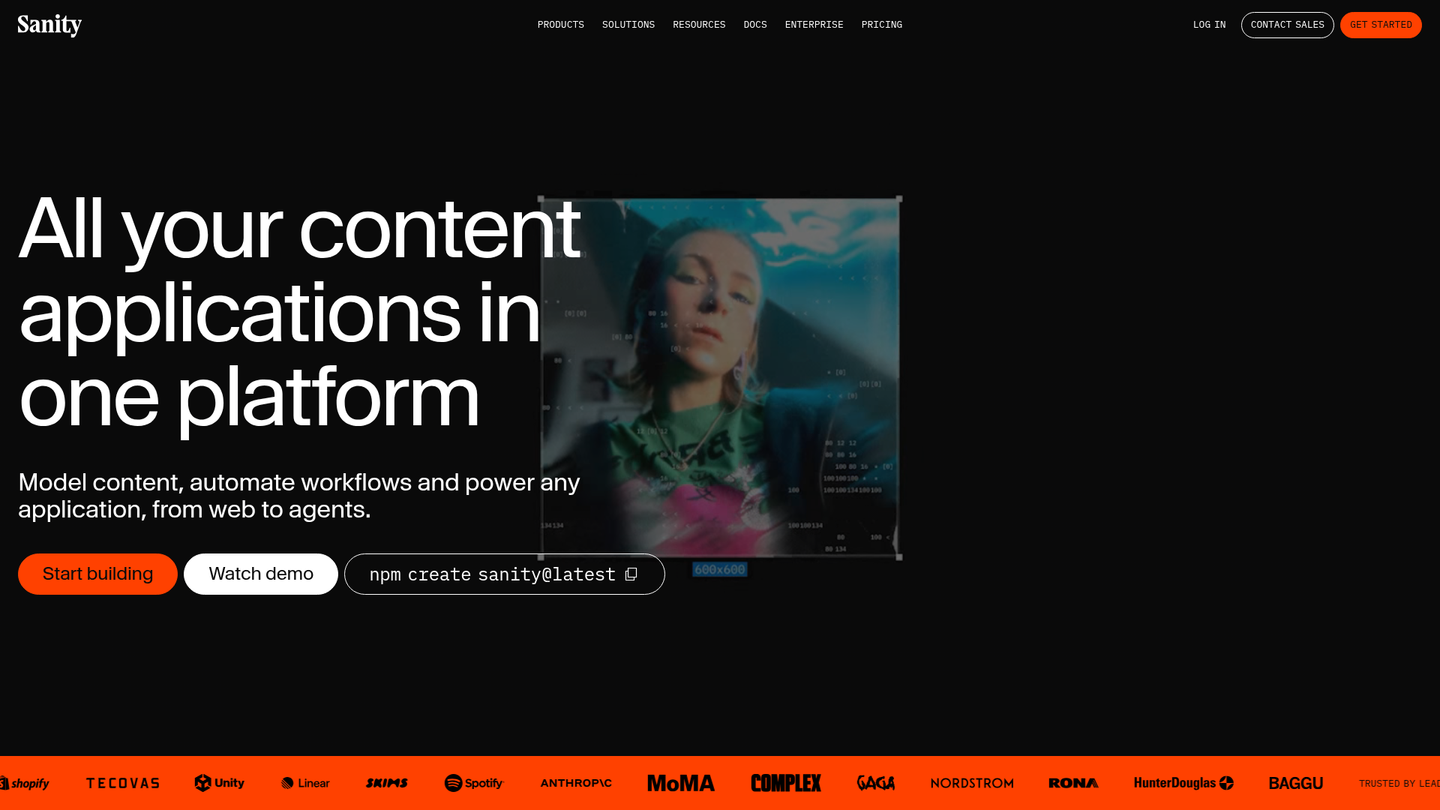
The best headless CMS for SEO in 2026, full stop. Sanity is what WordPress 2.0 looks like for the agentic web. The content layer is fully decoupled from the frontend, which means you can vibe code your entire website with Next.js, Astro, or whatever framework you want, and Sanity just serves structured content through its API. No opinions about how your pages render. No frontend lock-in.
The dev experience is the real differentiator. GROQ (Sanity's query language) gives you surgical control over what data you pull and how it's shaped. The Studio is fully customizable in React. Schema definitions live in code, which means version control, type safety, and structured data that maps directly to your content model. For AI-powered SEO tools that need to push metadata, schema, and redirects programmatically, Sanity's API is as clean as it gets.
(Full disclosure: this current site, maintouch.com, is built on Sanity. I'm not impartial here. But I picked it for the same reasons I'm recommending it.)
Where it falls short: if you don't have a developer, Sanity is a non-starter. There's no visual frontend builder. You're building the presentation layer yourself or with AI. That's the tradeoff for total decoupling.
2. WordPress
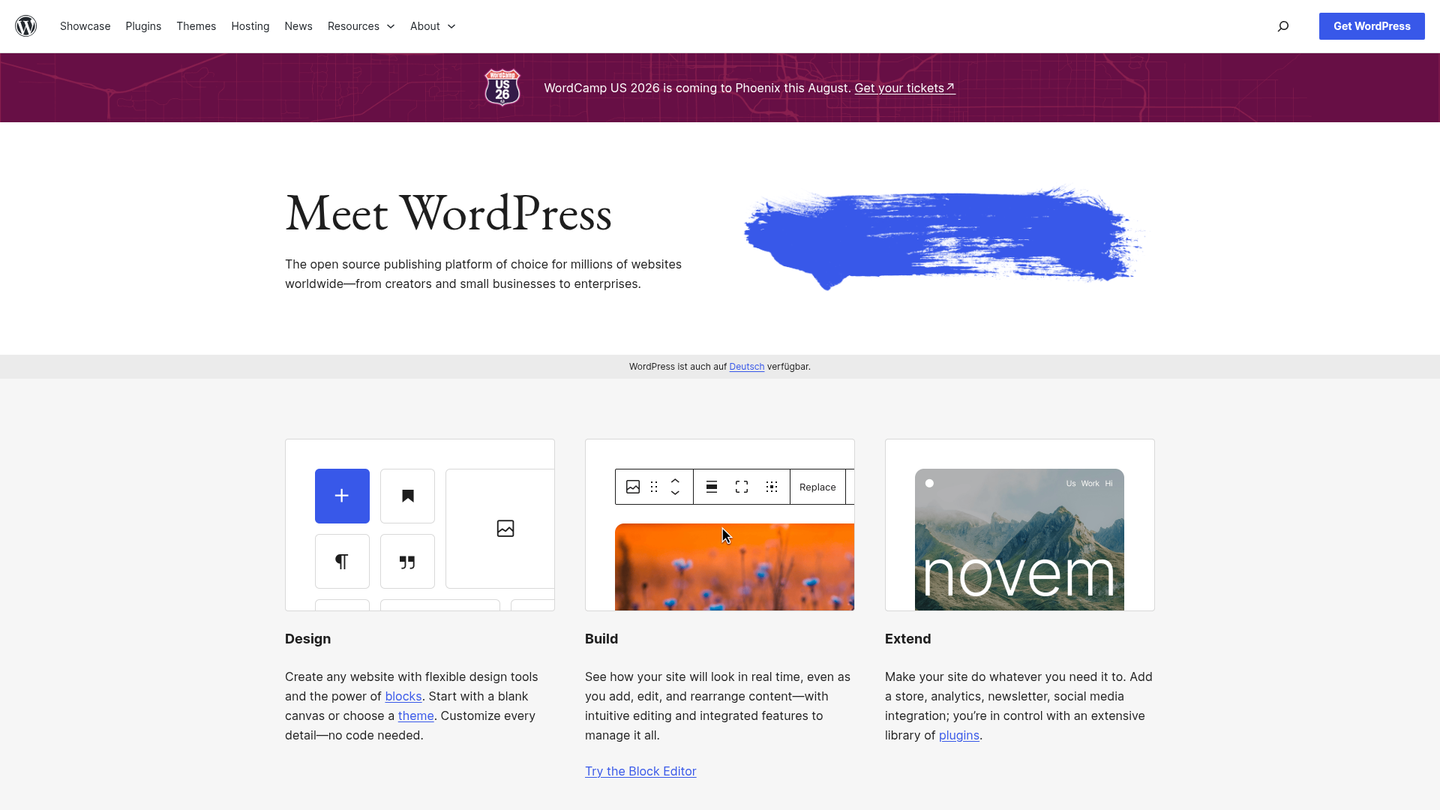
The OG of all CMSs. WordPress has been around since 2003 and still powers roughly 60% of all sites running a known CMS. It earned that position for a reason: the plugin ecosystem is the largest anywhere, hosting is dirt cheap, and you can find a developer who knows WordPress in every city on earth.
On the SEO front, Yoast and Rank Math give you full control over metadata, URL structures, sitemaps, and schema. The community support is the biggest anywhere. Thousands of themes, thousands of plugins, answers to every question you'll ever have on Stack Overflow.
The catch: that ecosystem is also the problem. Plugin bloat and heavy themes are why WordPress only passes Core Web Vitals on 43% of sites. Most security holes trace back to plugins. And the REST API, while functional, isn't as developer-friendly as Sanity's when you're building AI-first workflows. Real performance at scale needs engineering investment, not another plugin.
Still, for teams that want the largest SEO plugin library, the lowest hosting cost, and the widest talent pool, WordPress is the proven default.
3. Webflow
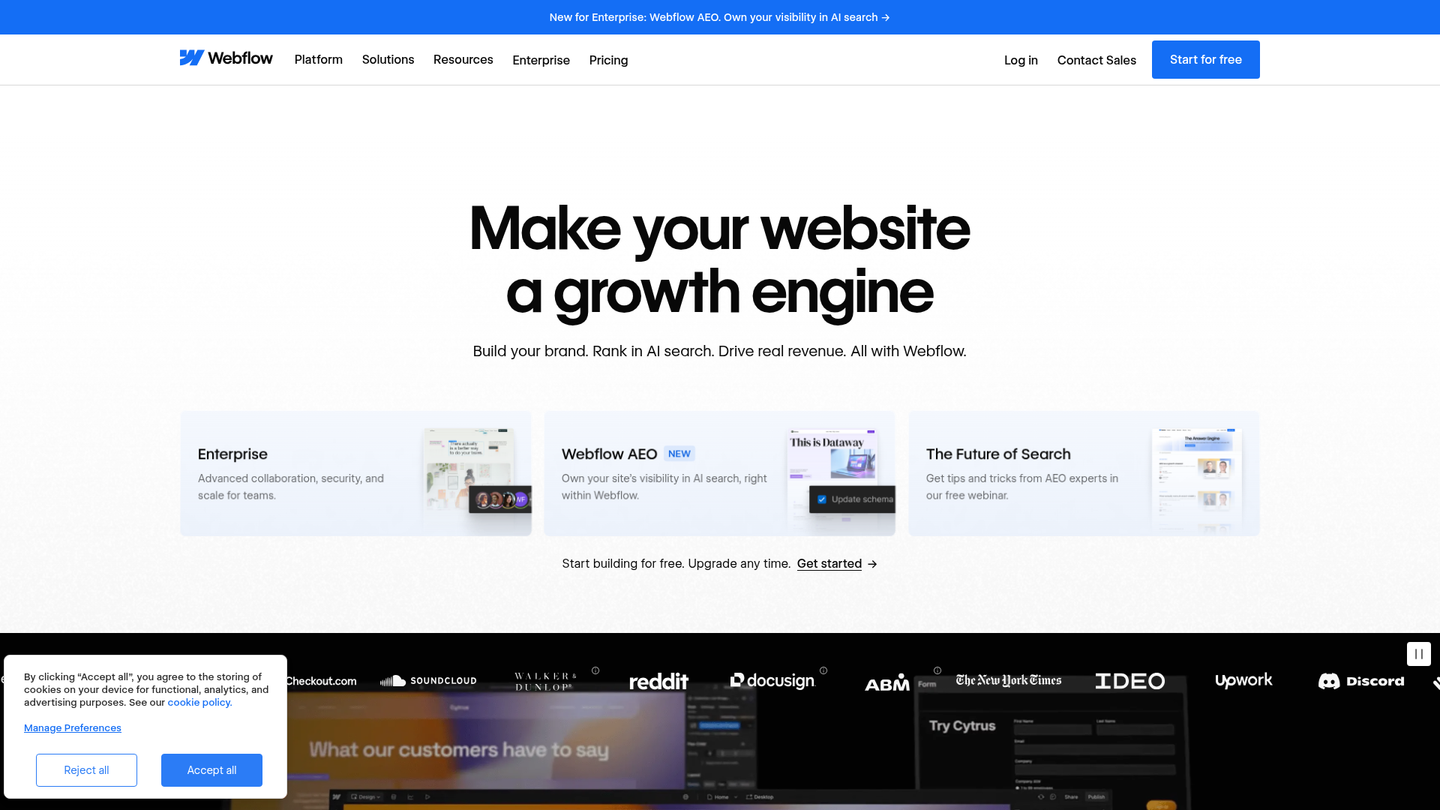
The pick for design-led teams who want to ship fast without a developer in the loop.
Webflow's visual editor lets you set meta titles, descriptions, and alt text per page, outputs clean semantic HTML, and ships CDN delivery by default. Maintouch's Webflow integration pushes SEO fixes without a dev ticket.
The drawback is coupling. Content and design live in the same system, which is great for speed but locks you out of swapping frontends or going headless later. The API exists but it's thinner than Sanity's or even WordPress's REST layer, so AI tools pushing structured changes programmatically hit a lower ceiling.
Non-technical marketing teams and designers get the most out of Webflow: clean output, design control, no code required. If you're building an AI-first content workflow that needs deep API access, look elsewhere.
4. Framer
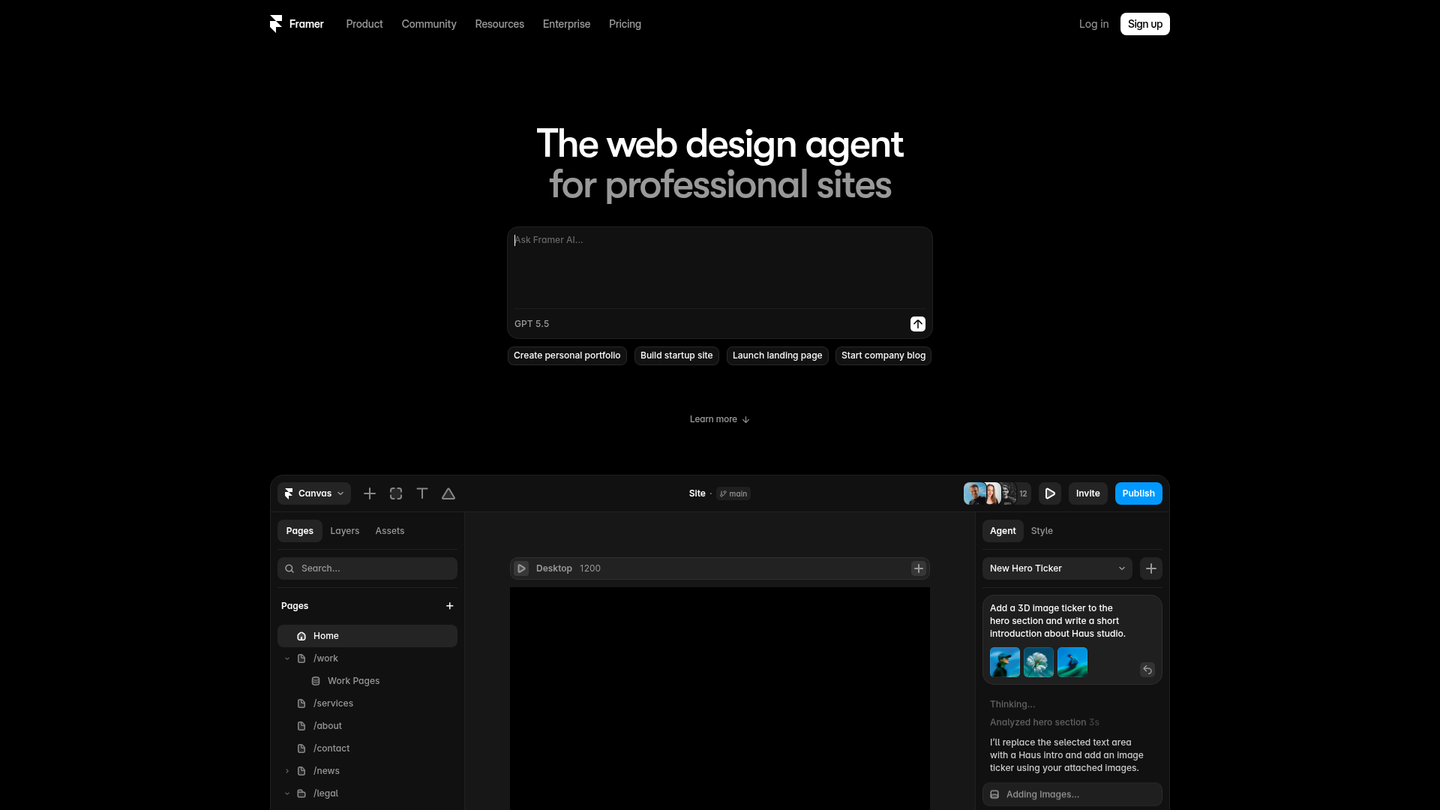
Similar to Webflow in philosophy: designer-first, visual-first, and extremely fast out of the box.
Framer sites ship lean code, load quickly, and the editing experience is smooth. The Maintouch integration is currently in beta via Framer's API program.
The tradeoff mirrors Webflow's: your content model and your visual layout are the same thing. Speed and simplicity come at the cost of decoupling. Programmatic SEO workflows and AI-driven content pushes don't have the API surface to work with here.
Landing pages, marketing sites, and design-forward teams that prize visual polish over backend flexibility will love it. Large content operations or teams that need the CMS layer untethered from presentation will outgrow it fast.
5. Ghost
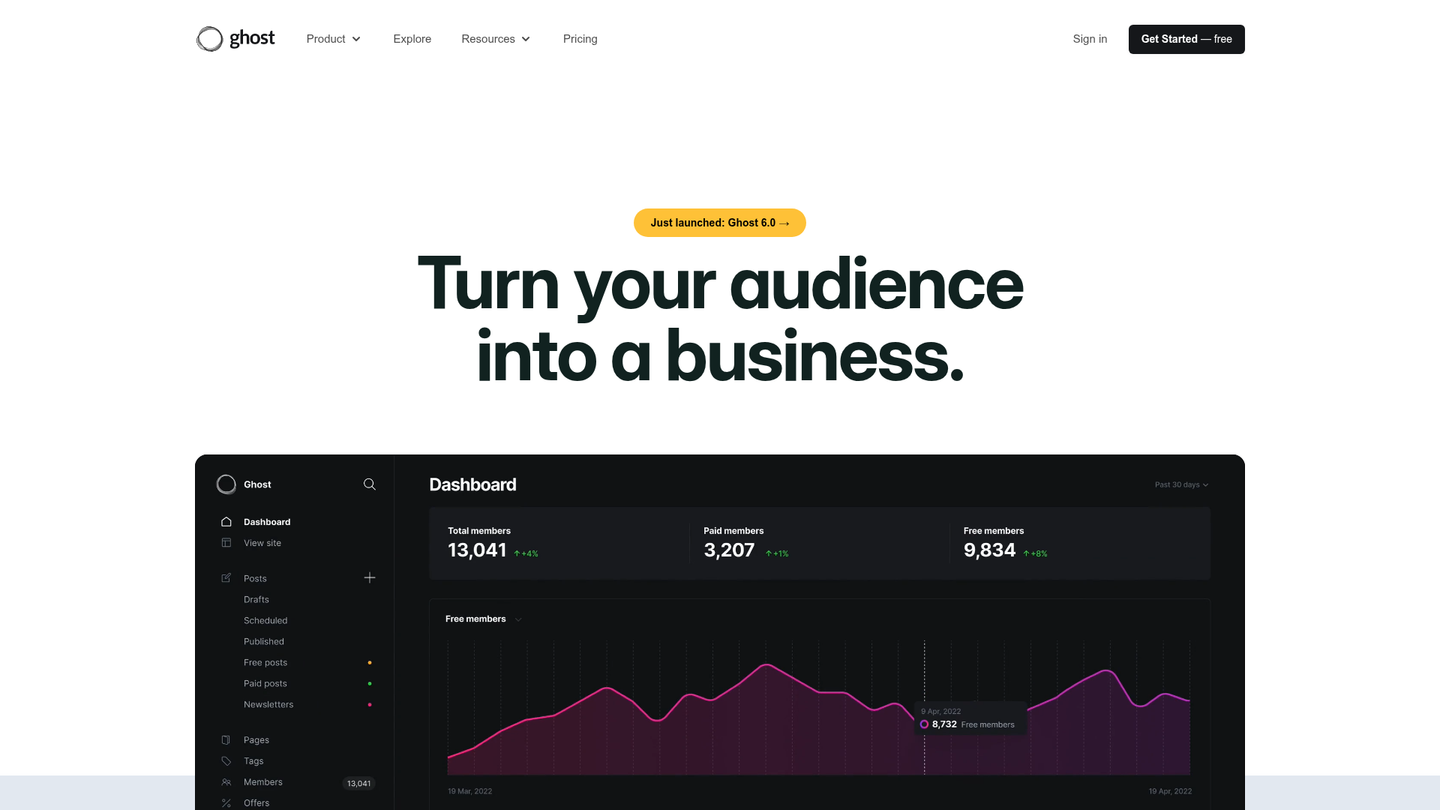
The clean, fast, open-source option for content-first teams.
Ghost ships with built-in SEO metadata, structured URLs, automatic sitemaps, and serves pages server-side by default. No plugin bloat, no theme marketplace drama. It does the basics right without the overhead.
The API is well-documented and predictable, so teams that want a content backend they can extend without a fight get exactly that. The admin experience stays focused on writing, not page building.
Where Ghost falls short: it's opinionated about being a publishing tool. Complex content models, multi-type schemas, and deeply structured data aren't on the roadmap. For pure blog and editorial SEO, it's one of the cleanest options available. For anything beyond that, you'll hit walls.
Honorable Mentions: Contentful and Strapi
Both are legitimate headless options with strong technical foundations. Contentful is API-first, well-funded, and handles multi-channel delivery. Strapi is open-source with no vendor lock-in and full self-hosting control.
The reason they don't make my top five: developer experience. Contentful's API is fine but the content modeling interface feels dated, and the pricing climbs aggressively at scale. Strapi gives you control, but the SEO layer is entirely on your code side. There's no built-in sitemap generator, no redirect management, and no native schema plugin. You're wiring all of that manually or pulling in community packages that vary in maintenance quality. The plugin ecosystem is thinner than WordPress or Sanity's, and the community tooling around AI/agentic workflows hasn't caught up.
If you have a strong engineering team and specific architectural needs, both work. But for the balance of SEO fundamentals, dev experience, and AI readiness that I'm scoring on here, they come in behind the top five.
Best CMS for SEO by Use Case
Match your team to the tool, not the other way around:
- AI-first teams building with vibe coding: Sanity. Fully decoupled, clean API, structured content that maps straight to your codebase. Your frontend gets built by AI, your SEO system pushes fixes programmatically, and Sanity never gets in the middle.
- Non-technical teams and small businesses: Webflow for design control without code. WordPress for the deepest plugin library and cheapest hosting. Running it yourself? The DIY SEO guide covers where to start.
- Design-forward marketing teams: Framer or Webflow. Lean output, fast sites, visual editors. You trade decoupling for speed: swapping frontends later means a rebuild, not a migration.
- Content-first editorial teams: Ghost. Open-source, fast out of the box, and built for writing. No plugin overhead, no page-builder complexity.
- Enterprise with strong engineering: Contentful or Storyblok. Both handle high content volumes and structured content models at scale.
- Ecommerce: Shopify. Passes Core Web Vitals on 78% of sites, ships product schema natively, and handles the transactional plumbing that WordPress needs a plugin stack for.
Pick for the team you have today, not the traffic you hope for next quarter.
How to Choose the Right CMS for Your SEO Needs
Four questions cut through the noise faster than any feature comparison spreadsheet.
1. How much are you publishing, and how often?
If you're shipping 20+ pieces a month, bottlenecked editorial workflows will cost you rankings before bad content does. A site publishing twice a month can afford more manual work. Be honest about current throughput, not the number on next year's roadmap.
2. Do you have engineers available?
Headless only pays off if someone on your team can wire up SEO fields, redirects, and sitemaps from scratch. No engineers? Stop considering headless. Pick a traditional CMS and ship.
3. How many pages are you eventually building to?
If you're building toward programmatic SEO or thousands of pages, stress-test the content model and API at volume before committing. I've watched CMS setups that hummed at 50 pages buckle completely at 5,000: broken sitemaps, timed-out API calls, schema that stopped generating.
4. Can you ship fixes directly, or does everything route through engineering?
Configuration is table stakes. What separates a CMS that supports SEO from one that stalls it is how fast fixes go live. Can your marketing team push a canonical update in five minutes, or does it sit in an engineering sprint for three weeks? That gap is where rankings decay.
How Maintouch Maximizes SEO Performance Across Any CMS
A CMS gives you the infrastructure to rank. It won't write the content, catch the broken canonical, or ship the fix. That gap between surfacing an issue and actually resolving it is what I built Maintouch to close.
The system connects directly to your CMS and pushes technical SEO fixes on autopilot, without routing every change through a developer queue. Supported destinations cover WordPress, Webflow, Framer (beta), Sanity, Strapi, Contentful, Storyblok, Payload, HubSpot, and Ghost. Custom or headless sites connect through API and MCP.
The connection runs both ways. Content created in Maintouch propagates to your CMS, edits sync back, and state stays consistent without manual reconciliation. Custom field mapping populates author names, categories, and taxonomies automatically on publish. No one has to touch it.
Most tools stop at the report. Maintouch executes. Metadata fixes, schema updates, canonical tags, and 301 redirects go straight to the CMS the moment issues surface, pulling live data from the Google Search Console integration. I've watched that loop (issue surfaces, fix ships, rankings stabilize) run on sites where the old workflow would have taken three weeks in an engineering queue.
For B2B SaaS and venture-backed teams, that means strategy, AI content agent, technical remediation, and backlink procurement running through one system, replacing what otherwise costs $200k+ in annual SEO headcount (fully-loaded salary and tooling estimates for a typical B2B SaaS team).
Every paying account gets a dedicated account strategist: a forward-deployed marketer embedded in your growth motion, accessible through weekly syncs and a dedicated Slack channel. Automated content decay prevention keeps existing pages from losing ground between those syncs. That combination of human judgment and automated execution is what no standalone tool replicates.
Final Thoughts on the Best CMS for SEO
A good CMS removes friction. A bad one taxes every SEO decision downstream, and that tax compounds. Get the infrastructure right, then pour your energy into content and execution.
Maintouch serves hundreds of marketers who've hit exactly this wall, and I've walked through the CMS decision with enough of them to know where the common traps are. If you want to talk through what it looks like on your specific stack, shoot me a message at [email protected].
FAQ
WordPress vs. Webflow for SEO: which one should I pick for a small business site?
WordPress wins on plugin depth and cheap hosting, but Webflow wins on clean HTML output and design control without a developer. If your team is non-technical and wants to manage metadata and layout without touching code, Webflow is the tighter fit. If you need the largest ecosystem of SEO plugins and the lowest hosting cost, WordPress is still the default for small business.
What's the best headless CMS for SEO if I have a developer on the team?
Sanity. The content layer is fully decoupled from the frontend, the API is clean enough for AI tooling to push metadata and schema programmatically, and GROQ gives you surgical control over queries. You can vibe code your entire presentation layer while Sanity handles structured content. Strapi and Contentful are solid alternatives if you need open-source self-hosting (Strapi) or managed multi-channel delivery (Contentful), but neither matches Sanity's developer experience or agentic workflow compatibility.
How do I choose between a traditional CMS and a headless CMS for SEO?
Start with your dev resources. If you don't have engineers available to configure SEO fields, canonical logic, and sitemaps, headless will hurt you. Traditional CMS platforms like WordPress and Webflow ship those tools ready to use. If you do have engineering support and need granular control over Core Web Vitals and structured data, headless pays off. The architectural question is whether better performance is worth the configuration overhead your team has to carry.
Can a CMS push technical SEO fixes automatically without going through a developer queue?
Most CMS platforms surface SEO issues but stop there. The fix still routes through your engineering backlog. Maintouch closes that gap by connecting directly to your CMS and pushing metadata fixes, schema updates, canonical tags, and 301 redirects live the moment issues are detected. Supported CMS platforms include WordPress, Webflow, Framer (beta), Sanity, Strapi, Contentful, Storyblok, Payload, HubSpot, and Ghost, with custom or headless sites served via API and MCP.
Which CMS is best for large websites that need programmatic SEO at scale?
Contentful and Storyblok are the strongest options for large websites running structured content at scale. Both handle high content volumes, flexible content models, and API delivery that traditional setups buckle under at thousands of pages. For ecommerce-focused programmatic SEO, Shopify is the stronger pick: native product schema, 78% Core Web Vitals pass rate, and an API built for high-volume catalog pages. The real constraint at scale is whether your content model maps cleanly to structured data and whether your CMS integrates with the tools executing the SEO work, beyond just storing the content.
Does switching CMS platforms hurt SEO?
It can, and it usually does if the migration isn't handled carefully. The main risks are broken URLs without proper 301 redirects, missing canonical tags, dropped metadata, and crawl errors introduced during launch. The CMS you're moving to needs to support redirect mapping, clean URL structures, and per-page metadata fields natively. Otherwise, you're rebuilding SEO equity from scratch.
How does CMS choice affect Core Web Vitals scores?
Directly. Your CMS controls how pages are built, what JavaScript loads on render, and whether images get lazy-loaded or served through a CDN. WordPress passes Core Web Vitals on just 43% of sites largely because of plugin bloat and heavy themes. Headless setups paired with a fast frontend framework give you granular control over performance, but require engineering work to get there. Webflow and Duda pass Core Web Vitals far more reliably out of the box.
What's the best free CMS for SEO if I'm just starting out?
WordPress.org (the self-hosted version) is the strongest free option. It gives you full control over metadata, URL structures, sitemaps, and schema through plugins like Yoast or Rank Math, at the cost of cheap hosting. The tradeoff is that performance and security maintenance fall on you. If you want something managed with less setup friction, Webflow's free tier is worth testing, though you'll hit publishing limits before long.
Can a CMS hurt your SEO even if you're publishing good content?
Yes. A CMS that serves content client-side in JavaScript can prevent crawlers from indexing your pages at all, regardless of content quality. A CMS that auto-generates duplicate titles, blocks canonical configuration, or serves slow pages will drag rankings down even with strong writing. Infrastructure problems don't get canceled out by good content. They compound the other way.
How important is schema markup support when choosing a CMS for SEO?
It's a binary qualifier at this point. Without structured data (FAQ, Article, Product, Organization schema), pages get deprioritized before content quality is even assessed by AI answer engines. A CMS that doesn't support JSON-LD natively or through a clean plugin forces you to hard-code schema manually, which almost never gets maintained. Look for native JSON-LD support or a schema layer that updates automatically when content changes.
Does the CMS you use matter for appearing in AI Overviews and AI-generated answers?
It matters for the infrastructure behind citations, not the CMS brand name itself. What AI engines actually evaluate is whether your pages have clean, crawlable HTML, complete structured data, and content organized in self-contained passages that answer a question directly. A CMS that outputs bloated JavaScript or doesn't support schema markup puts you at a structural disadvantage in AI answer engines before your content is ever read.
Turn search into your best growth channel.
Maintouch tracks your visibility across AI and Google, creates and refreshes content, and gets your brand mentioned on the sites that shape discovery.
Book a demoRelated reading
All posts